Table of Contents
For businesses running brick-and-mortar retail stores, warehouses, or high-volume billing counters, web browsers are often not enough. These environments require dedicated desktop or Point-of-Sale (POS) applications that remain fast under heavy use, communicate directly with local hardware, and operate continuously even during internet outages.
Desktop Frameworks: Electron vs. Tauri
We develop modern, cross-platform desktop applications using two primary frameworks:
- Electron: Powered by Chromium and Node.js. It allows us to build powerful desktop apps with access to the Node ecosystem, but produces larger executable files and consumes more system memory.
- Tauri: A modern alternative built on Rust. Tauri uses the operating system's native web view, resulting in extremely small executable sizes (frequently under 10MB) and very low memory usage, while protecting the backend with Rust's strict safety guarantees.
Offline-First Database Architectures
A POS system must never stop processing sales because the internet went down. We implement offline-first database systems:
- Local SQLite Storage: Transactions are instantly saved to a fast local database on the machine.
- Background Sync Engine: A background process continuously attempts to connect to the cloud database. Once online, it uploads local sales logs, downloads updated product catalogs, and resolves potential inventory sync conflicts.
- Reconciliation Logs: Providing managers with clear logs showing local transactions compared to cloud sync logs.
Direct Hardware Communications
Desktop software allows us to communicate with peripheral devices:
- Serial Port & USB Connections (WebUSB): Interfacing directly with barcode scanners, digital weight scales, and pole displays.
- Printer Command Protocols (ESC/POS): Writing raw thermal printer commands to generate instant, formatted paper receipts, packing slips, or adhesive barcode labels without showing print dialog boxes.
- Cash Drawer Relays: Triggering kick signals via the receipt printer RJ11 port to open the cash drawer automatically on cash transactions.
Transaction Reconciliation & Inventory Controls
POS platforms help secure cash flows and control stock:
- Cashier Session Audits (X-Report and Z-Report): Tracking cash drawer totals at shift handovers to detect discrepancies.
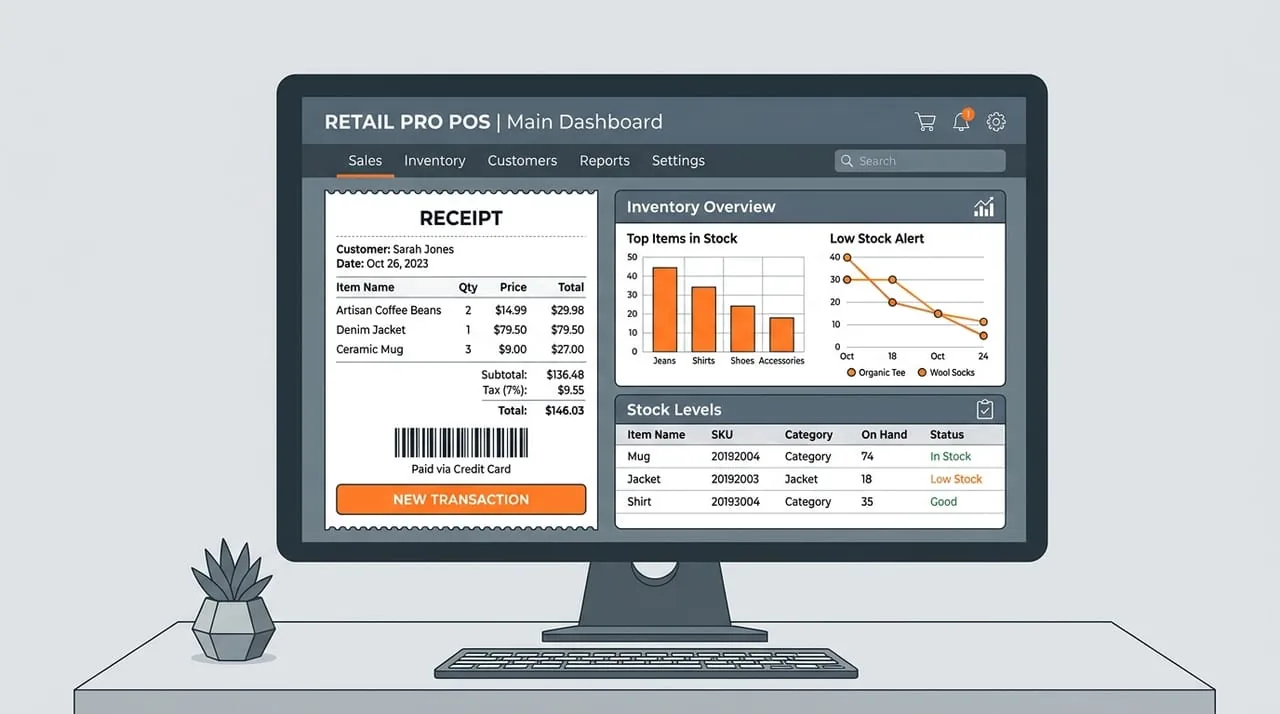
- Real-Time Stock Alerts: Instantly checking local database counts during scanning and showing warnings when stock levels run low.
JTech POS & Desktop Application Services
JTech Solution designs and builds custom POS and desktop software. We write native hardware communication layers, configure offline-first SQLite synchronization, design responsive billing dashboards, and compile desktop applications that run smoothly on Windows, macOS, and Linux. We build systems that keep your sales counter running continuously.
Tags

Madiha Javaid
Content Writer at JTech Solution
A senior technology expert at JTech Solution with deep expertise in building and scaling digital products. Passionate about writing clear, practical content for engineering teams.